Support and getting help
Level 1 franchise tickets, safe rich-text replies, and Level 2 escalation to Chrilan
Getting help
Support is its own section in the platform, alongside Customers & devices — not something buried inside a customer record.
Your own tickets
- You see only your own franchise's tickets. Another franchise's tickets and customers are not available to you, at all.
- You can log a ticket for one of your own customers.
- Authorised staff can read a ticket, reply on it, set its status and assign it to an owner within your own franchise.
Not yet confirmed. Exactly which of the three roles may do each of those things is still being finalised. Until that list is confirmed, assume the narrowest reading for the Franchise Support Agent.
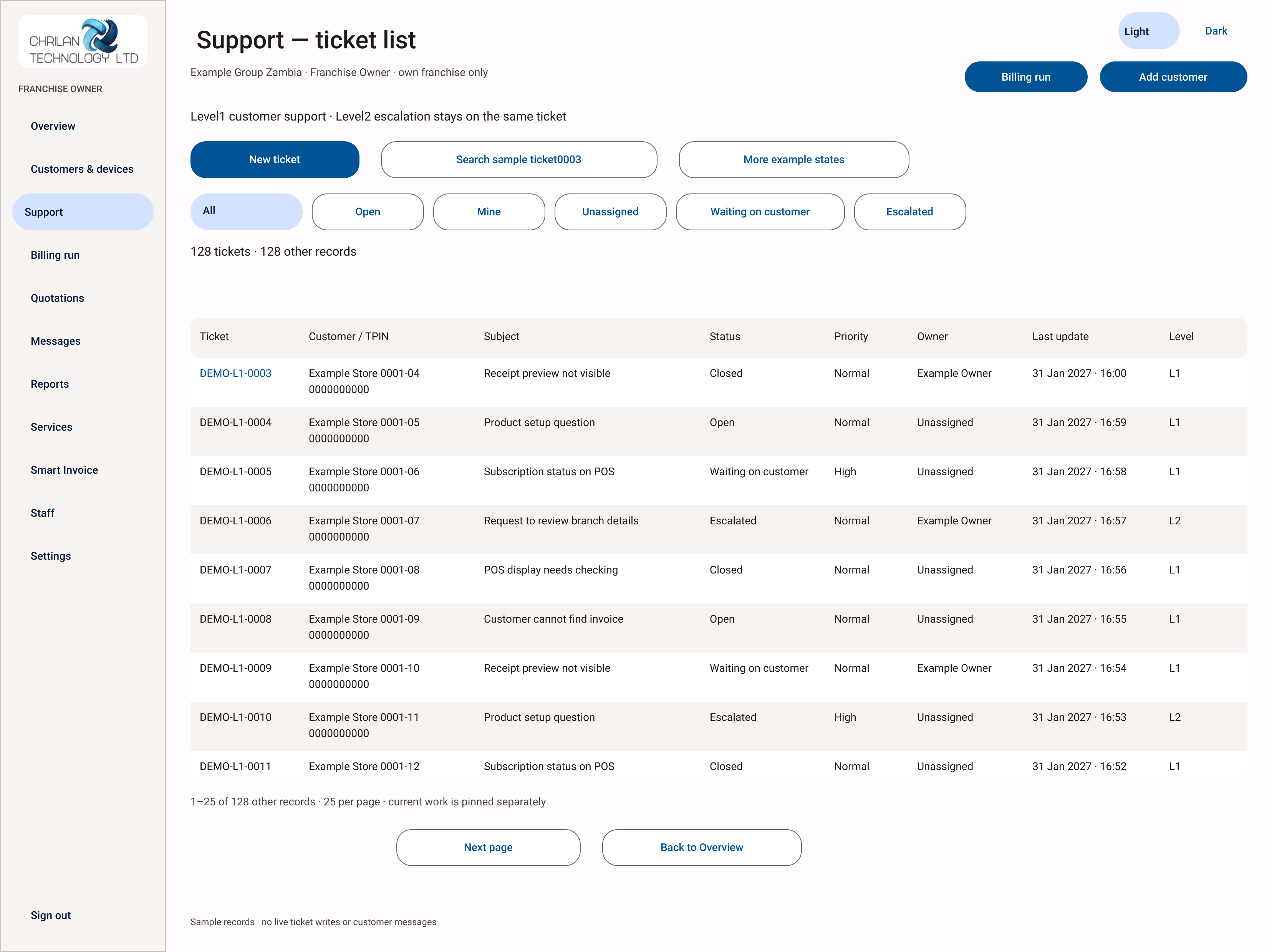
The support ticket list. Example data only.
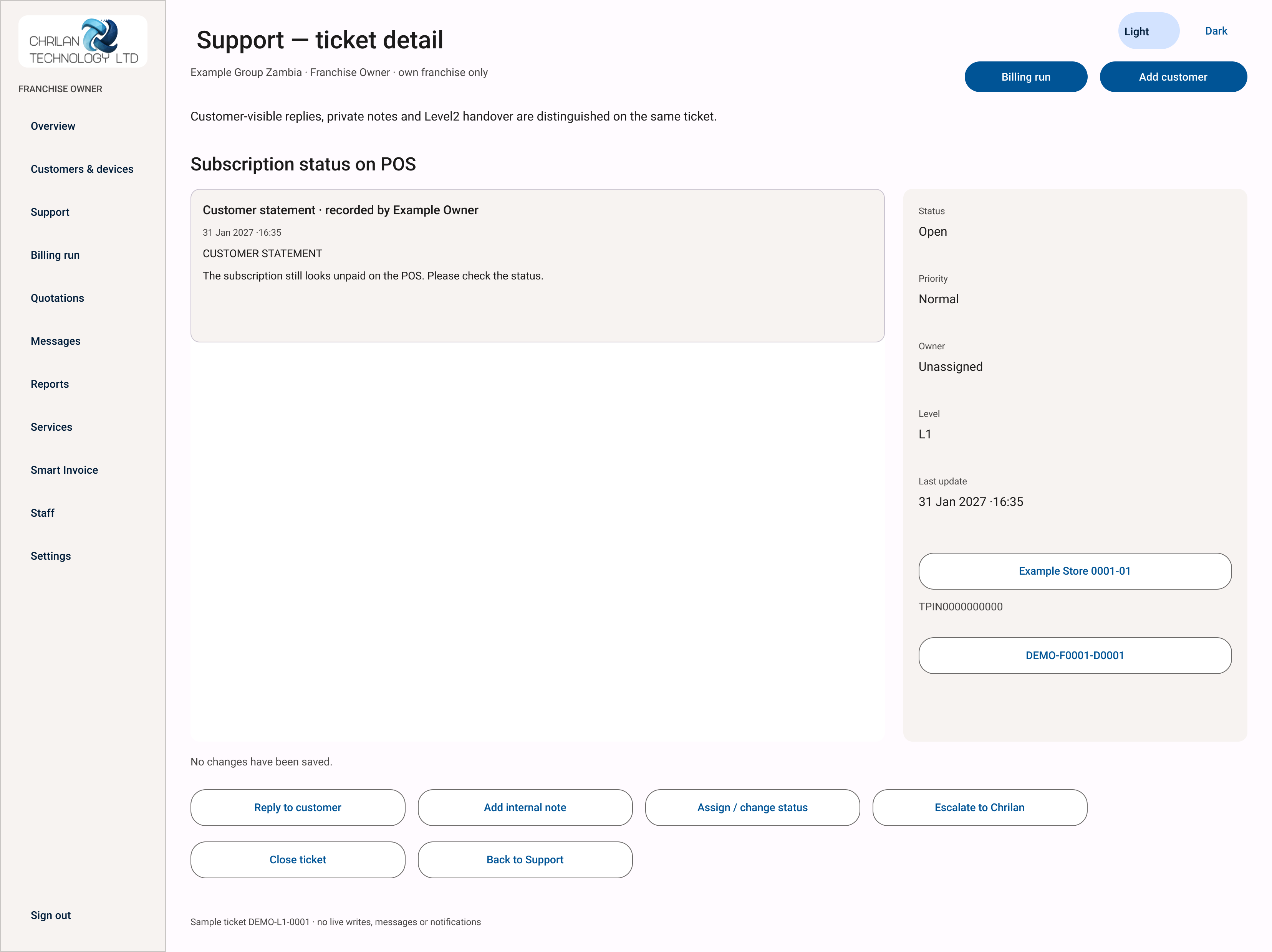
One ticket, with its history in one place. Example data only.
Escalating to Chrilan
When a ticket is beyond what your franchise can solve, you escalate it to Chrilan as Level 2. Chrilan's reply appears on the same ticket, so the history stays in one place.
Level 1 and Level 2 are process boundaries: your franchise handles Level 1 for its own customers, and Chrilan handles Level 2. They are not extra roles in the platform.
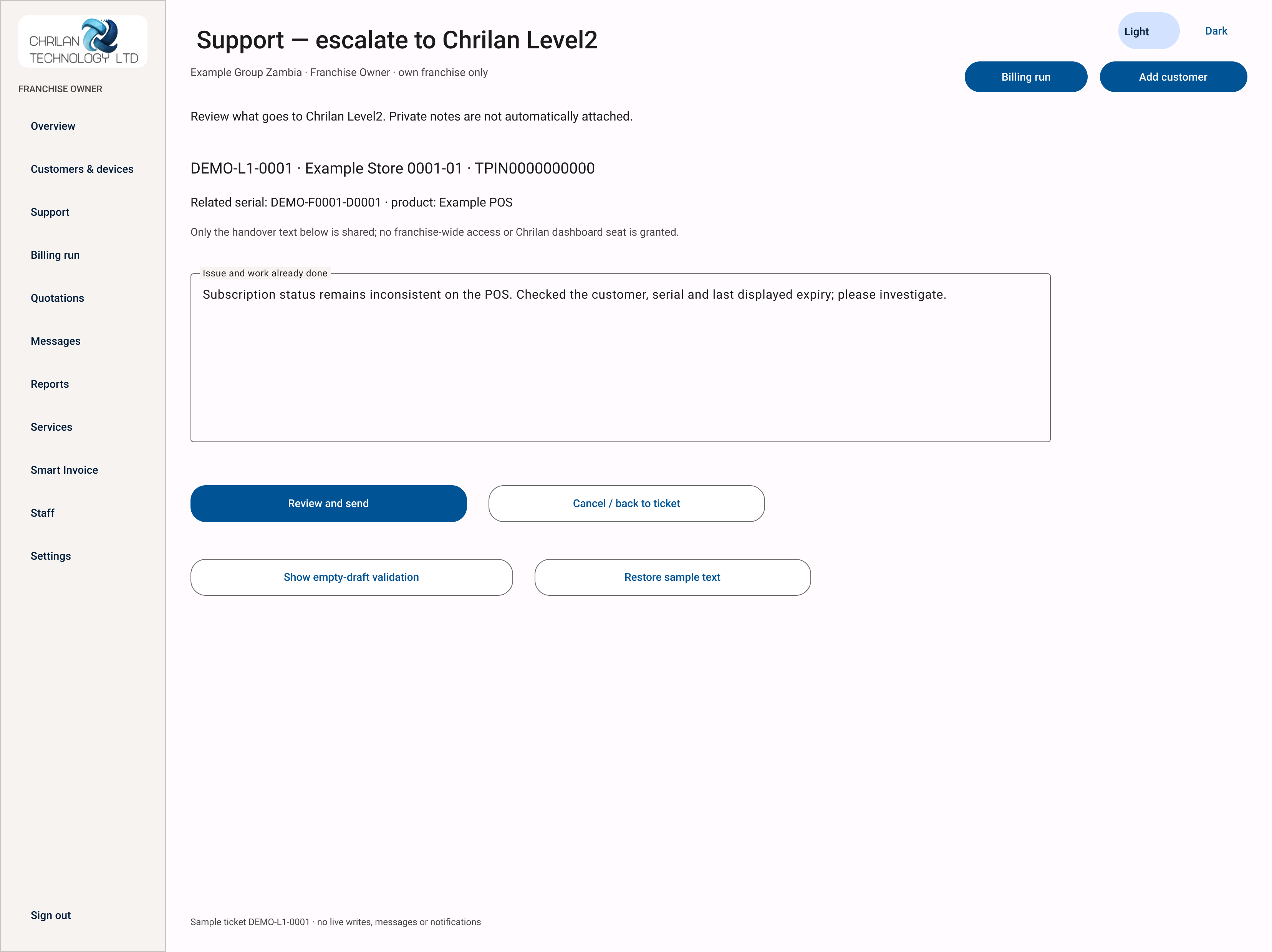
Escalating a ticket to Chrilan. Example data only.
How your customers reach you
- The "Queries? Please contact" button opens your own WhatsApp support, not Chrilan's.
- Your customers can also reach Chrilan head office by WhatsApp or email, from the payment page or a linked contact screen.
Contacting Chrilan head office does not create a ticket by itself. The Chrilan agent who picks it up decides whether to register or escalate one.
What to have ready when you log a ticket
Having these to hand makes a ticket faster to resolve:
- The customer's name and TPIN.
- The store or device ID, if the question is about one store.
- What you expected to happen, and what happened instead.
- When it happened, and whether it is happening every time or once.
- Anything you have already tried.
What we will not promise here
These are not decided, so this page deliberately says nothing about them:
- How quickly a ticket will be answered or resolved. No response or resolution time is agreed yet, and none will be published until it is.
- What you can attach to a ticket — file types, sizes or counts.
- Which notifications you get, and through which channel.
If a number is not on this page, it is because nobody has agreed it. Please do not rely on a figure you have heard elsewhere.
Contacts
Not yet confirmed. The support phone numbers, email addresses and WhatsApp links for your franchise and for Chrilan head office will be added here before publication. They are not invented on this page.
Live V2 Support Screen and Safe Rich-Text Replies
In V2 Support, filter tickets by status (All, Open, Waiting on customer, Closed) or search by ticket number, subject, or priority. Select any ticket to open the two-column Support — ticket detail view, read the full conversation history, inspect metadata, and post formatted replies safely (unsafe script markup is automatically stripped by the server).
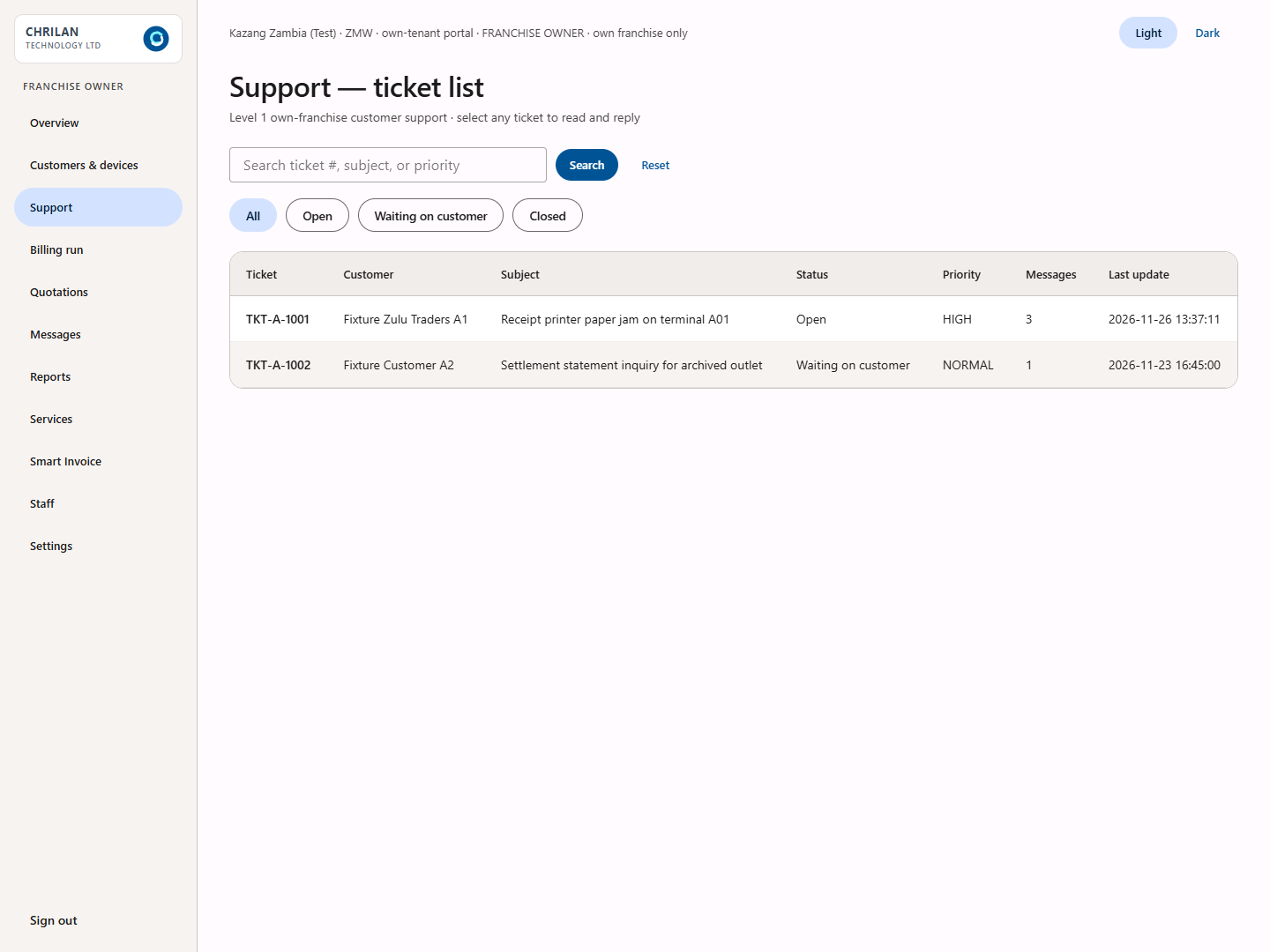
The V2 Support ticket list. Example synthetic data only.